
Slow Laptop & Apps Not Responding? Quick fixes + Fast Help
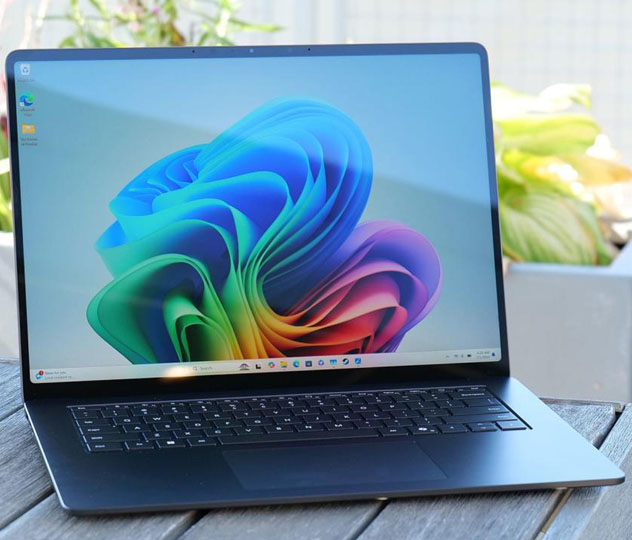
Prefer expert help? Contact our support we’ll diagnose and fix it remotely or guide you step by step.
Why your laptop might be slow
Several common reasons can make a computer sluggish…
- Too many programs running
- Low disk space
- Outdated software/drivers
- Malware or unwanted apps
- Hardware limitations
Quick fixes
- Restart your laptop
- Close unneeded apps
- Free disk space
- Run malware scan
- Close extra browser tabs
When to contact support
If problems continue…
Frequently asked questions
Will upgrading RAM help? Yes, often.
Is a fresh install needed? Sometimes.
How long does repair take? 15–60 minutes for software.